
How to Search Cases by Name
Begin at New Mexico Case Lookup, the state's free public search tool. No account or payment is required. If you lack a case number, type the party name exactly as the court system entered it. The official help materials also let you search by attorney. That route needs the attorney's first and last name; a middle name is optional. A common name can return many results. Narrow them down with court type, court location, filing date, and case status. From any result, note the case number. Court, category, status, and next setting appear on display as well. Remember that a public name search returns case information only. It does not return document images or certified copies.
- Open Case Lookup and select a party-name search.
- Enter the name as it is likely recorded by the court.
- Choose the court type or Eddy court location if known.
- Filter by status or filing date when results are broad.
- Open the matching case and save its court, number, and displayed events.
Eddy Court Location Search
Picking the right court location matters. It is often the quickest way to sharpen an Eddy County result. The statewide system covers District, Magistrate, Metropolitan, Municipal, and appellate court categories. The live search may list three Eddy courts. Under the Fifth Judicial District, these include Eddy County District Court, Carlsbad Magistrate, and Artesia Magistrate. Municipal courts follow their own rules and may expose little public data. Always search the court named on your notice, citation, or order. Do not treat results from every location as one docket. A felony can appear twice. It shows once as a magistrate preliminary-hearing record and again as a District Court case. A city citation may sit in municipal court instead. Match court location to case category. That keeps those records from looking like duplicates or missing files.
| Search field | Use | Official note |
|---|---|---|
| Party name | Start when no case number is known. | Use the name recorded by the court system. |
| Court location | Separate Eddy District, Carlsbad, or Artesia records. | Available choices should be rechecked in the live service. |
| Case category and year | Narrow a known court result. | The official guide uses CV and a year as examples. |
| Attorney | Search counsel when appropriate. | Attorney number is CAID, not a bar number. |
Searching by Case Number
An exact case number is the most direct way to pull up a file. Enter it exactly as the paperwork shows it. Keep the filing year and any punctuation or suffix. The official guide gives an example ending in [00]132. That example sets no Eddy County numbering rule. Resist the urge to add zeroes, a criminal prefix, or a civil category. Never force a format you guessed. Pair the number with the court name and filing year. A search that returns nothing public has three common causes. The case may sit in another court, predate electronic indexing, or be restricted. Municipal citation numbers may not match a District Court case number either. And when a felony started with a magistrate preliminary hearing, expect two separate numbers in the two registers.
Eddy Case Filters and Status
Filters can trim a long results list fast. You can filter by status and filing date. The default is an all-results view, plus open or closed options. Enter filing dates in slashed format. You can also sort by filed date, reverse filed date, or status. None of this changes what the public system is permitted to show. Read status labels with care. "Open," "closed," and "disposed" do not mean the same thing. An open case has not reached its final close status. A closed or disposed entry still needs context. Check its register or order. A dismissal, deferred disposition, final judgment, or restriction all carry different meaning. Check the event list before drawing any conclusion from one status field.
- Open
- A current case status, not a prediction of the next event.
- Closed
- A case status that still may have a public register or permitted record.
- Disposed
- A status indicating an outcome entry; consult the order or clerk for the full result.
- CAID
- The court-system attorney identifier, not the New Mexico State Bar number.
What a Case Search Shows
A permitted public result can show case identity, parties and their roles, status, and case-event or docket information. The case header may carry the case number, filing date or year, court location or type, category, case style, and an assigned division or judge when available. Event history can list filings, settings, continuances, judgments, and other registered actions.
| Case identity | Number, court, category, filing date, case style, and status. |
|---|---|
| Parties and counsel | Roles and attorney information where the public access tier displays them. |
| Case events | Chronological filing, hearing, processing, reset, and disposition entries. |
| Hearing details | Permitted date, time, location, division, and setting information. |
| Documents | Not available in public Case Lookup. |
A screen search gives you a working view of the docket, not a certified record. The clerk can supply an authorized copy, and protected information may be redacted or left out of what the public sees.
Eddy re:SearchNM Access
re:SearchNM is a separate system, and it is not for everyone. Registered users get tiered case detail, depending on their role. Attorneys of record, pro hac vice attorneys, justice partners, self-represented litigants, press, and staff each have their own path. Registration or application steps differ by role. It is not a public shortcut around Case Lookup limits.
Tier 1 opens many civil, probate, domestic-relations, domestic-violence, parentage, and criminal categories. Other tiers are narrower. Children's delinquency access sits under separate controls. Tier 2.5 abuse and neglect, family-in-need, adoption, and mental-health files are limited to law enforcement.
One step still comes first. You must identify the Eddy court and case number. Registering does not erase that need. A self-represented litigant applies through the SRL route to the JID Service Desk. Attorneys and justice partners use role-specific paths. Tools inside the service include Find a Case, Find a Party, Find a Judgment, Find a Hearing, Find a Group, and Find a Citation, but what you can see still depends on your approved tier and the case category.
Pull the public result first. Get the court location, the exact case number, and the status. Then choose the access route that fits your role and the record you need. That order keeps a registration screen from being mistaken for the local court. The local court holds the case file. It also issues permitted clerk copies. Treat re:SearchNM as an add-on, never as a substitute for the courthouse itself.
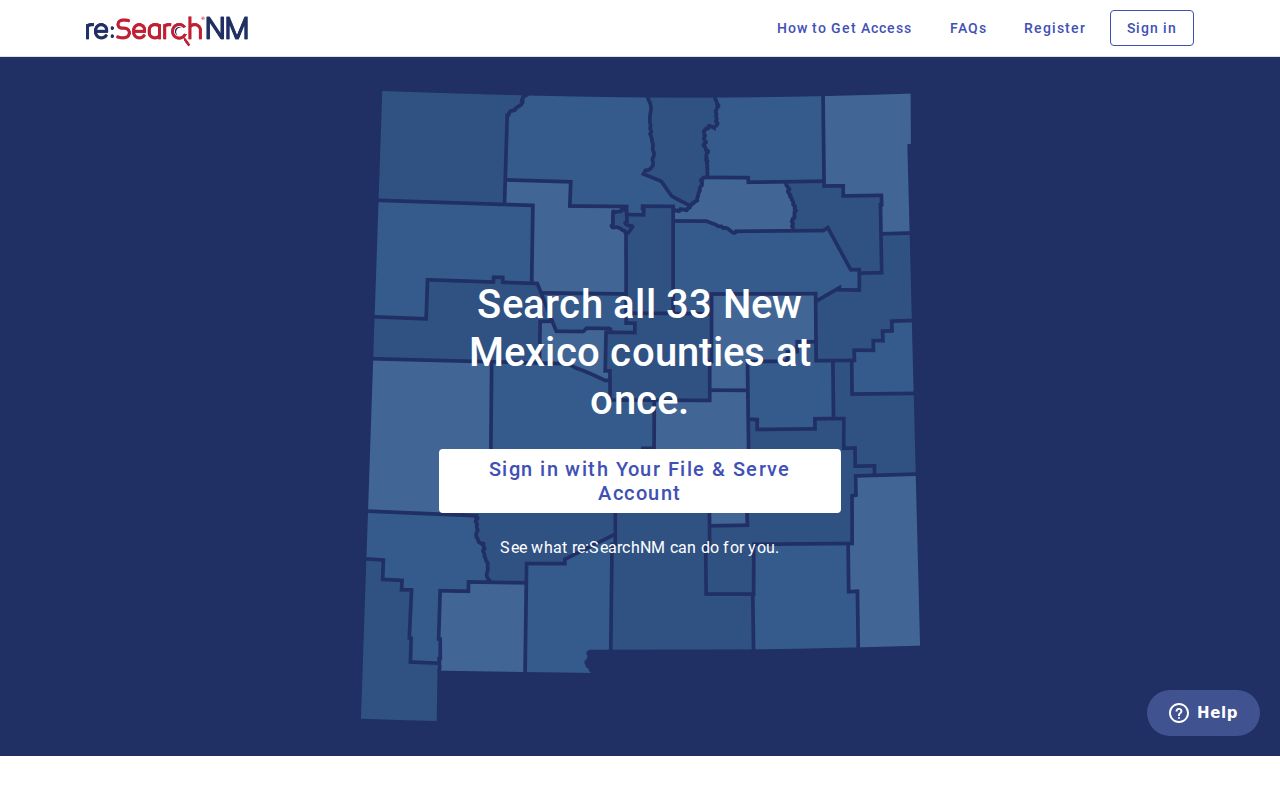
Boundary: the registration screen divides public case information from role-based access to added Odyssey materials.
County vs Statewide Case Search
Eddy County has no stand-alone public judicial docket portal of its own. New Mexico Case Lookup fills that role statewide. Courthouse access methods fit here too. The court itself is the county-level source for an unsealed file, a copy request, or a setting confirmation. The Fifth District schedule is a separate source for short-range hearings in Eddy County court. Each tool answers a different question.
| Channel | Best use | Key limit |
|---|---|---|
| Case Lookup | Free public name, case-number, or attorney lookup. | No document images and case-type limits apply. |
| Local court clerk | Unsealed file inspection, copies, and court-specific questions. | The request must go to the court that has the case. |
| Fifth District schedule | Current-day and short-range District or magistrate settings. | It is not a historic register or certified notice. |
Federal cases do not appear in the state system. For a federal docket, use PACER or contact the U.S. District Court for the District of New Mexico. Case Lookup will not return it.
Legacy SOPA and Case Access
Active SOPA accounts moved to re:SearchNM on April 7, 2023. The judiciary still references a legacy secure Odyssey Public Access login. Migration issues get sorted out in the meantime. If you run into an old SOPA reference, treat it with care. It is not the public no-account path. Ordinary permitted case-information searches still run through public Case Lookup.
The legacy SOPA login notice is distinct from both Case Lookup and re:SearchNM registration. The three systems serve different access roles. They are not interchangeable ways to get the same case documents.
Context: the legacy screen explains older account instructions but changes nothing about the free public Case Lookup process.
Restricted Cases and Access Rules
Rule 1-079 NMRA starts from a presumption of access to court records. A rule or court order can protect them instead. The same rule requires shielding of personal identifiers. Only the last four digits of listed identification and financial numbers may show. Only the year of birth may appear. Access, though, does not mean every case or document can be downloaded from home.
Public Case Lookup shows no documents. It shows no juvenile criminal cases. It shows no Family Violence Protection Act order-of-protection cases. A sealed case may be open or closed. It can simply be missing from a public search. A blank result is not proof the matter never existed. Ask the filing court what access it may lawfully provide. Do not supply protected identifiers when you ask.
Municipal limit: Public municipal data is limited to historic criminal domestic-violence and DWI convictions beginning September 1, 1991. Do not treat Case Lookup as a complete municipal docket.
Eddy Blank Search Results
Got no result? Recheck the spelling, court level, court location, case number, and filing year. Then contact the court where the case was filed. The public court finder can route a known case. The local clerk can help too. They step in when electronic coverage falls short. Pre-1997 records, sealed or restricted matters, and municipal limits can all explain a blank result.
Work the fallbacks in order: public Case Lookup, the Fifth District schedule for a current setting, the correct court clerk, courthouse access, and a judiciary IPRA request aimed at the actual court custodian. Need a criminal file? The court split and docket details are on the criminal docket search page. A court search result only locates case information. It does not replace an allowed clerk record.